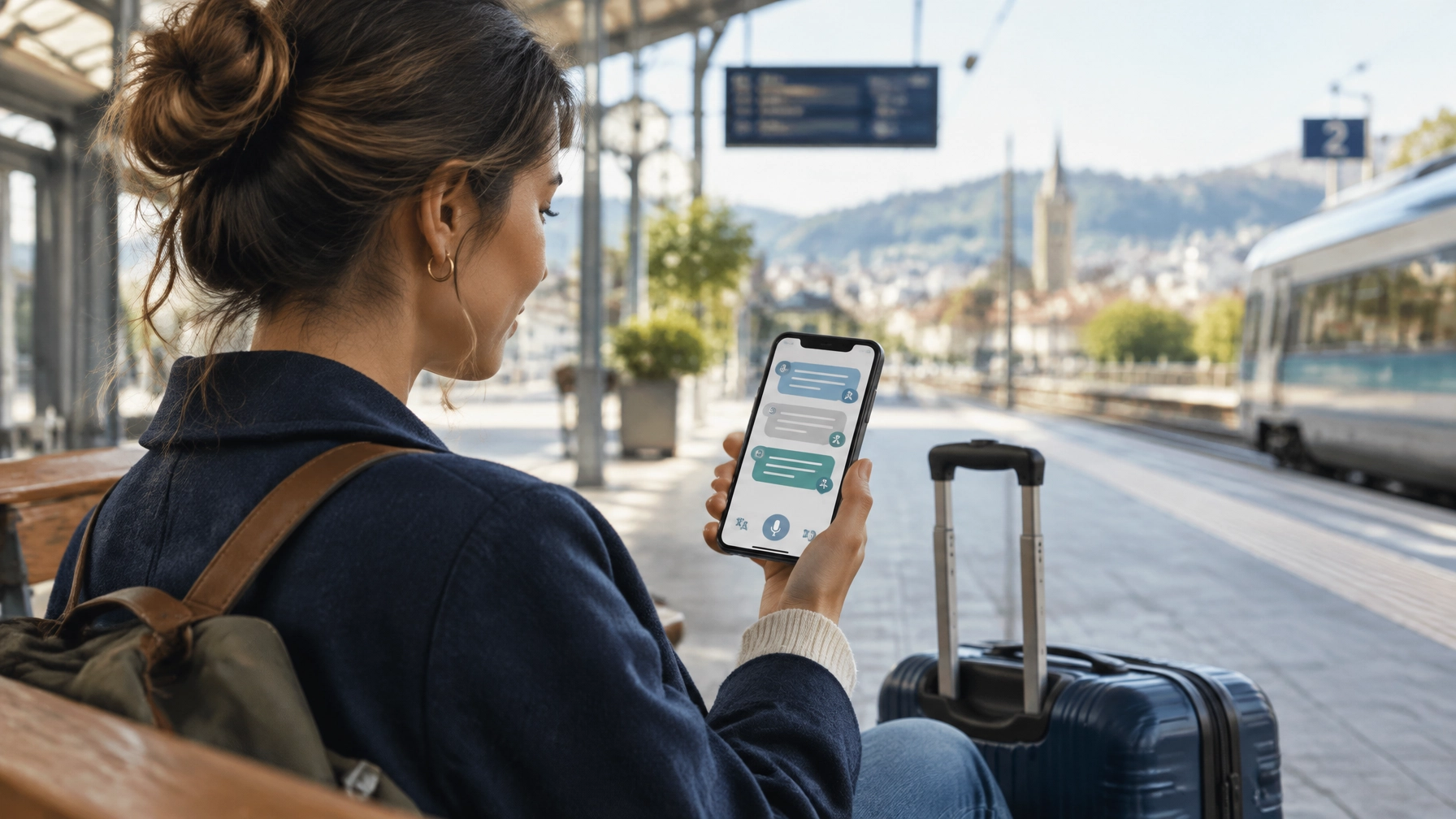
Best overall for most travelers: Google Translate. It combines text, camera, and live conversation translation, with offline language downloads for situations where mobile data is unavailable.
The best choice still depends on your phone, destination, and connection. Download the languages you need before you travel. If you use an iPhone, Apple Translate is a useful offline option for face-to-face conversations. For calls to hotels, airlines, or local businesses, use a phone-call interpretation service such as GalaxyTranslate Phone Call Interpreter.
Quick comparison
| App or service | Best for | Offline support | Live conversations |
|---|---|---|---|
| Google Translate | General travel use and broad language coverage | Download language packs; offline live translation is limited to certain Pixel phones and language pairs | Yes, with available languages |
| Apple Translate | iPhone users who want in-person conversation translation | Conversations work with downloaded languages | Yes |
| Microsoft Translator | Online group conversations and text translation | Text and camera features work with downloaded packs | Yes, but conversation features are not available offline |
| GalaxyTranslate Phone Call Interpreter | Phone calls between speakers using supported languages | Requires a phone connection | Yes, for calls |
Features and language availability can vary by device, app version, and language. Check each app’s current language options before your trip.
1. Google Translate: best all-around travel app
Google Translate is a practical first choice when you want one app for common travel tasks. Use it to translate typed text, read signs and menus with the camera, or speak with someone in person.
Google’s Live Translate help page explains how to choose a conversation mode, select languages, and view translations on screen. It also lists offline live translation for Pixel 9, Pixel 10, and Pixel 11 devices. That offline speech feature currently supports specific pairs with English, not every possible language combination.
Choose Google Translate if you need:
- A general-purpose travel translation app.
- Camera translation for signs, menus, and other printed text.
- Downloadable languages for offline use.
- Live conversation options when a suitable connection and language combination are available.
Before you go: Download your destination language and test the app while your phone is in airplane mode. Do not assume every feature works offline just because a language is available in the app.
2. Apple Translate: best for offline iPhone conversations
Apple Translate is built into the iPhone experience. Its Conversation view shows translated text while two people speak. You can also switch to a face-to-face layout so each person can read from their side of the screen.
Apple states that in-person conversations work with downloaded languages when there is no internet connection. See Apple’s instructions for translating in-person conversations for setup steps and supported features.
Choose Apple Translate if you:
- Use an iPhone and want an integrated translation option.
- Need to read translations during a face-to-face conversation.
- Want to prepare language downloads before going offline.
Check that your destination language is supported and downloaded in the Translate app. Availability depends on your device and software version.
3. Microsoft Translator: useful for online group conversations
Microsoft Translator can support live conversations with multiple participants, as well as split-screen translation for two people sharing a device. It also offers offline language packs for text translation and camera translation.
There is an important limit: Microsoft’s Android help and FAQ says offline packs do not enable live conversation or speech translation. Download both the language you are translating from and the language you are translating to. Then use offline text or camera translation as supported.
Choose Microsoft Translator if you need:
- Online conversation features for a group.
- Offline text or camera translation after downloading language packs.
- A secondary option alongside your main travel translation app.
Do not rely on it for an offline spoken conversation. Confirm that the exact language and feature you plan to use are supported.
Use offline translation when you have no data
Offline translation helps when you are on a flight, in a rural area, or unable to connect to a local network. It is not a single setting that makes every feature available without internet. An offline language pack may support text but not speech, or camera translation but not live conversation.

Prepare your phone before departure:
- Connect to Wi-Fi.
- Open your chosen translation app.
- Download the languages you expect to use.
- Check whether the app requires both languages for offline translation.
- Test a typed phrase and camera translation in airplane mode.
- Save essential phrases, such as your hotel address and transport details.
Keep the app updated, but complete downloads before you leave reliable Wi-Fi. If a translation is important, save the original text as well as the translated version so you can show both.
Translate a conversation live
Live conversation translation is designed for short, in-person exchanges. It can help you ask for directions, confirm an order, or understand a basic question. Depending on the app, you may see translated text, hear translated audio, or use a split-screen conversation view.

For clearer results:
- Select the correct languages before you begin.
- Speak one sentence at a time.
- Pause between speakers.
- Reduce background noise when possible.
- Read the translated text before acting on important details.
Translation apps can make mistakes, especially with names, addresses, numbers, accents, and context. For medical, legal, immigration, or safety-critical conversations, seek a qualified human interpreter when possible.
When you need to call a hotel or airline
A translation app on your phone can help with an in-person exchange. A phone call is different. You need a way to interpret speech between callers while they are speaking on the call.

GalaxyTranslate’s Phone Call Interpreter is designed for translated phone conversations. The service guide describes callers joining through a dedicated number and conference room. It currently lists English, Spanish, French Canadian, and Russian as supported languages. Check the service guide for access steps and current language details before you use it.
This option may help when you need to contact a hotel, airline, or local business and both callers speak a supported language. It is a phone-call service, not an offline travel translation app. You still need phone connectivity to make the call.
Choose the right setup for your trip
Use this simple setup:
- For general translation: Install Google Translate and download the destination language.
- For an iPhone conversation offline: Download the supported languages in Apple Translate and test Conversation view.
- For online group conversations: Check Microsoft Translator’s supported language and conversation options.
- For translated phone calls: Review GalaxyTranslate’s Phone Call Interpreter guide.
Before leaving, test each feature you expect to use. Confirm the language pair, offline status, microphone permission, and call access. A quick check on Wi-Fi can prevent confusion when you are already travelling.
Get started with GalaxyTranslate
Install a travel translation app for signs, text, and in-person conversations. For a phone call that needs live interpretation, get started with GalaxyTranslate Phone Call Interpreter. Review the supported languages and setup instructions before calling.
Leave a Reply